Ready to start? Get an estimate
Track an order

Order online

Tell us what you need.
We’ll guide you.

Complete the five short steps below. You can start even if you do not know embroidery terms or do not have the perfect logo file.
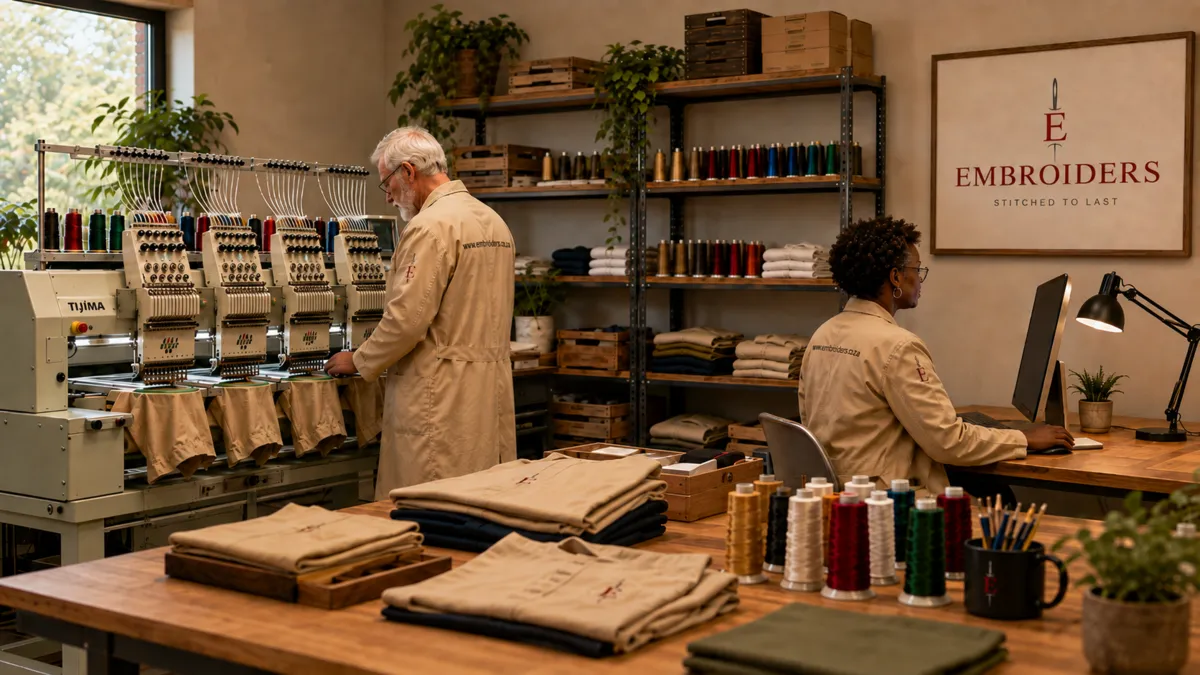
Embroiders multi-head embroidery production studio
ORDER / PREVIEW / STITCHINGWe check every order before stitching begins.
01 / 05

Who is placing the order?

We use these details to contact you about the price, your logo preview and your order.

02 / 05

What clothing or items do you need?

Add one group for each type of item. For example, add golf shirts once and jackets once. Then tell us where each logo should go.

03 / 05

Add your logo or design.

Use the best logo file you have. A PNG, JPG or PDF is fine to start. If you are replacing an old logo, also add a clear photo of the old embroidery.

No new artwork selected yet.

EMBROIDERY FILEHave a DST file?

Add it here. A DST is a file made for an embroidery machine.

NORMAL LOGOOnly have a logo image?

That is fine. Upload the clearest version and we will check it.

OLD LOGOReplacing old embroidery?

Add a clear photo of it. Removal costs R20 excluding VAT per item for each old logo area, if the fabric is suitable.

DIFFERENT NAMES OR DETAILSIs each item slightly different?

For a short list, type one person per line. For a large team, upload the CSV template.

04 / 05

How should you receive the order?

Choose collection or delivery. If you add a date, we will check it and confirm whether it is possible.

05 / 05

Check your order before sending.

Please check the quantities, logo areas and contact details. We will confirm anything that still needs a final price before stitching starts.